Zhipu AI Stock Jumps on Report of Custom AI Chip Development Plans
  Samsung Q2 Profit Hits Record on AI Memory Boom as Shares Tumble
  Nvidia Invests $500M in Firmus Technologies Ahead of Planned ASX IPO
  Samsung Chairman Lee Jae-yong Expected to Meet Nvidia CEO Jensen Huang on AI and Chip Partnership
  Meta Says States Seek $1.4 Trillion in Penalties Over Teen Social Media Addiction Lawsuit
  SK Hynix Soars 13% in Nasdaq Debut After Record $26.5 Billion IPO
  SK Hynix’s $28 Billion U.S. Share Sale Draws Massive Demand Amid AI Chip Boom
  TSMC Q2 Revenue Surges 36% as AI Chip Demand Powers Growth Ahead of Earnings
  SoftBank Corp Partners With Sierra to Expand AI Customer Support Across Japan
  Apple Sues OpenAI, Former Employees Over Alleged Trade Secret Theft
  Chinese Chip Stocks Jump as Apple Reportedly Tests CXMT Memory Chips for China Devices
  Elon Musk Says Anthropic Leads AI Race as Claude Models Challenge OpenAI
  Australia Flags Child Safety Gaps at Apple, Meta, Google Over Online Sexual Extortion
  Wolfspeed Sues Navitas Over GaN and SiC Patent Infringement


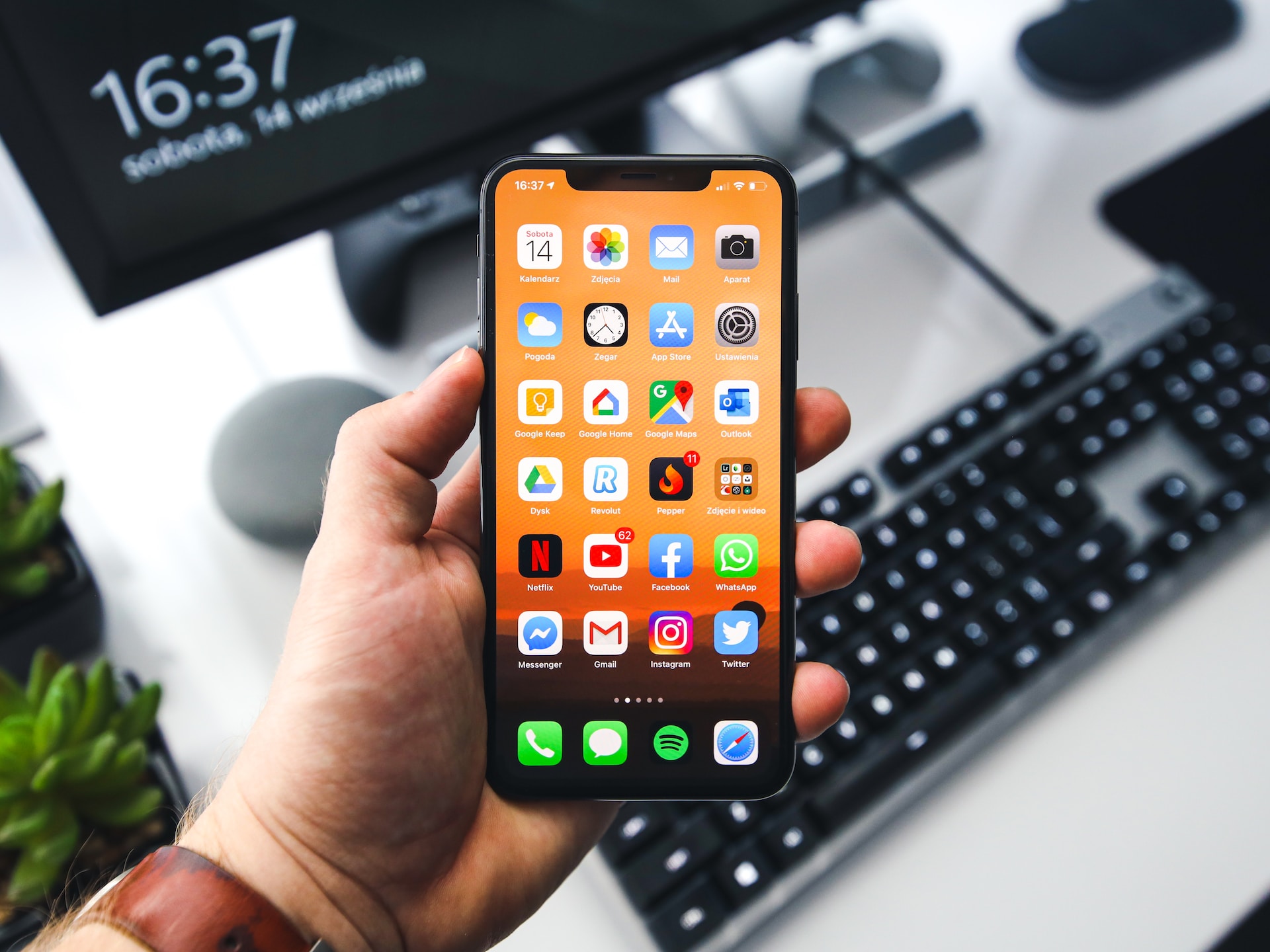
iOS 17.3 beta 1 is currently available to Apple's development program members. Because the first iOS 17 release did not include all of the promised improvements, Apple has started releasing 17.X upgrades to include these adjustments.
After all, there are still a slew of features missing from iOS 17.2, such as collaborative playlists in Apple Music, the next-generation CarPlay experience, and more. As a result, iOS 17.3 may include some of these, as well as additional prospective additions that have yet to be released.
Apple Released iOS 17.3 Beta 1 to Developers
In the device passcode settings, iOS 17.3 beta 1 adds a new Stolen Device Protection option. When activated, certain iPhone operations will require biometric identification (Face ID or Touch ID) and will not allow passcode fallback. This new setting solves a legitimate problem that has been raised for quite some time, per MacRumors.
If a burglar steals someone's iPhone after witnessing them enter the passcode, they may alter the Apple ID password and lock out the account owner. With biometric verification necessary for such tasks, a thief would be unable to access and carry out crucial actions on iOS.
Following its removal in iOS 17.2 beta 4, the collaborative playlists functionality in Apple Music has been reinstated in iOS 17.3 beta 1, enabling multiple users to modify and control shared playlists.
How to install iOS 17.3 Beta 1
If you have a recent iPhone model, you may install iOS 17.3 beta 1 to test out the new features. However, bear in mind that an iOS beta, like any other OS beta, may have serious problems and flaws that disrupt parts of your iPhone's functions.
While most defects are minor and treatable at this point in the release cycle, serious ones might always get through, according to XDA Developers. If you are a member of Apple's developer program and are willing to accept the risks, you can download and install iOS 17.3 beta 1 by following the instructions below:
- Launch the Settings app on your iPhone.
- Go to the General section.
- Tap on Software Update.
- Give the page a few seconds to refresh.
- iOS 17.3 beta 1 should appear as an available update.
- Hit the Download and Install button.
- Connect your iPhone to a power source until iOS finishes downloading, preparing, and installing the update.
- You're now running the latest iOS beta.
Photo: Sebastian Bednarek/Unsplash