SpaceX Prioritizes Moon Mission Before Mars as Starship Development Accelerates
  OpenAI Expands Enterprise AI Strategy With Major Hiring Push Ahead of New Business Offering
  Alphabet’s Massive AI Spending Surge Signals Confidence in Google’s Growth Engine
  Nvidia Confirms Major OpenAI Investment Amid AI Funding Race
  Oracle Plans $45–$50 Billion Funding Push in 2026 to Expand Cloud and AI Infrastructure
  SpaceX Updates Starlink Privacy Policy to Allow AI Training as xAI Merger Talks and IPO Loom
  Elon Musk’s SpaceX Acquires xAI in Historic Deal Uniting Space and Artificial Intelligence
  SoftBank Shares Slide After Arm Earnings Miss Fuels Tech Stock Sell-Off
  Palantir Stock Jumps After Strong Q4 Earnings Beat and Upbeat 2026 Revenue Forecast
  Elon Musk’s Empire: SpaceX, Tesla, and xAI Merger Talks Spark Investor Debate
  Jensen Huang Urges Taiwan Suppliers to Boost AI Chip Production Amid Surging Demand
  SpaceX Reports $8 Billion Profit as IPO Plans and Starlink Growth Fuel Valuation Buzz
  AMD Shares Slide Despite Earnings Beat as Cautious Revenue Outlook Weighs on Stock
  Sony Q3 Profit Jumps on Gaming and Image Sensors, Full-Year Outlook Raised
  Anthropic Eyes $350 Billion Valuation as AI Funding and Share Sale Accelerate
  SoftBank and Intel Partner to Develop Next-Generation Memory Chips for AI Data Centers


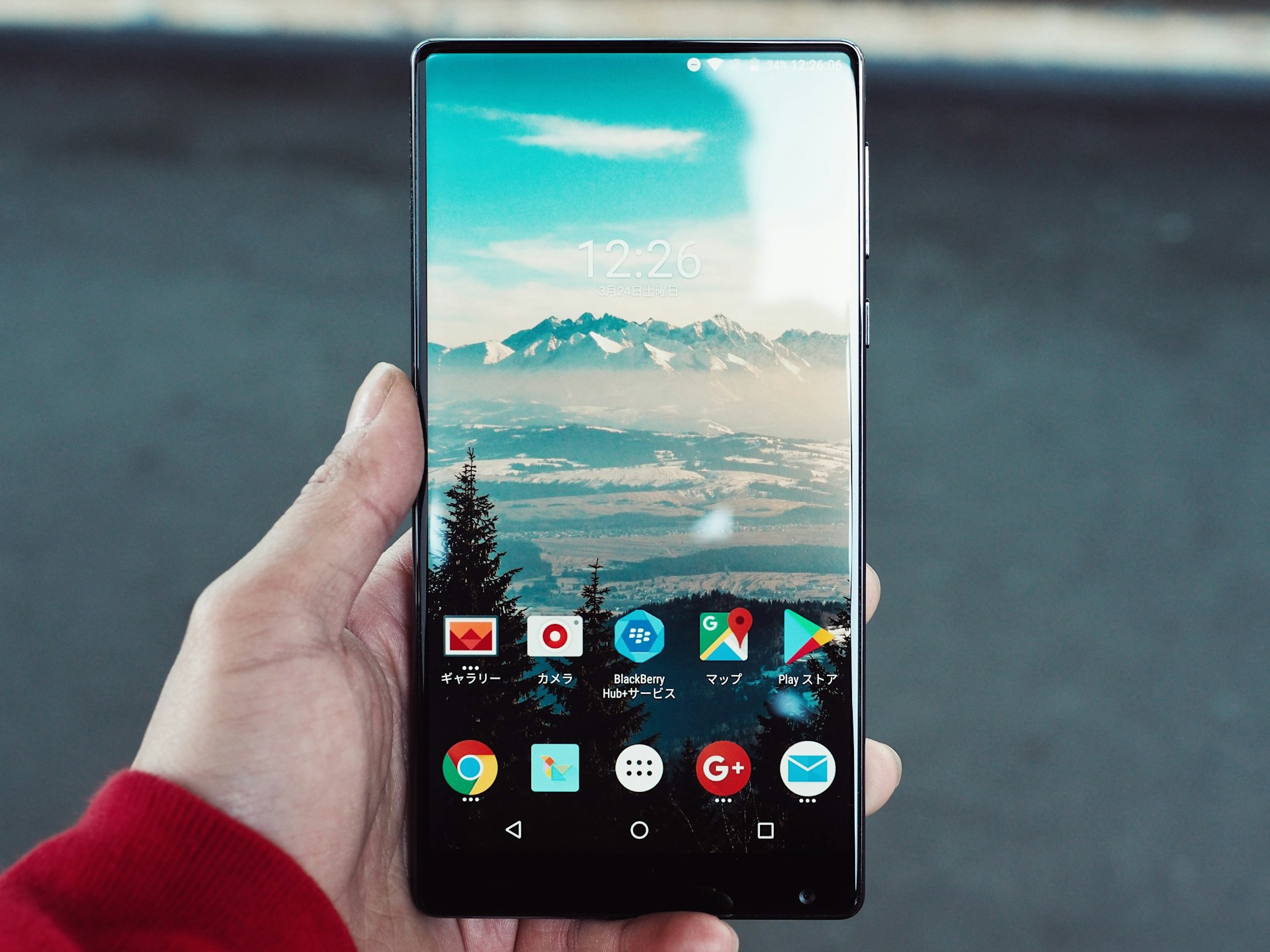
Given that the initial Android 15 Developer Preview is now available on all compatible Pixel devices, it is reasonable to presume that those with a penchant for triggers will want to try it. To install it on your Pixel, please refer to the instructions here. You can view a list of everything Google has introduced in the update by visiting this page.
Nevertheless, this article is for you if you are hesitant to install the Android 15 Developer Preview on your device out of concern for potential complications. We have compiled a comprehensive inventory of all the acknowledged issues.
Android 15 Developer Preview 1 Still Has Some Flaws
The Android System
-
Occasional complications with sideloading the Developer Preview 1 build may result in the device displaying the message "Device is corrupted" once the sideloading process is finished. As a precaution against the potential disruption this issue may cause, downloads of OTA images have been temporarily turned off pending further investigation. We advise developers to test devices using a factory image flash to circumvent this issue.
-
As one adds a face model for Face Unlock, an apparent trimming or cropping effect appears on the preview screen.
-
A device rotation that occurs before the completion of the picture-in-picture (PiP) mode transition for an app window will result in removing the PiP window.
-
The PIN entry prompt is omitted when an unlocked device is used to introduce a locked SIM card to unlock the card. To circumvent this issue, manually secure and unlock the device.
A Studio and Tools for Android
-
The Preview Configuration window does not exhibit the VanillaIceCream API level for the Android 15 preview.
-
Android Studio may not always provide the most recent version of the Android SDK Build-Tools, which incorporates the Android 15 preview SDK when an update check is performed.
-
In Android Studio, the Android 15 preview SDK version is not visible in the Target SDK Version and Minimum SDK Version drop-down menus when configuring a new project.
-
Launching an Android Virtual Device (AVD) in embedded mode occasionally fails when the AVD is utilizing an Android 15 system image.
-
When an Android Virtual Device (AVD) powered by an Android 15 system image is initiated and restarted via adb reboot or alternative techniques, it will be inactive.
-
A malfunctioning Android Emulator feature may impede the redeployment of an application to an Android Virtual Device (AVD) after the AVD's closure.
-
Multiple settings application windows are opened via the hearing device accessibility shortcut due to a bug in the Android Emulator.
-
While entering a direct reply, the notification window flickers due to a malfunction with the Android Emulator.
-
App authentication flows may fail, and a "Google Play services keeps stopping" message may occasionally be displayed due to a bug in the Android Emulator.
-
A malfunctioning component of the Android Emulator causes Simpleperf to terminate while executing a CPU profile.
-
The incorrect display of characters occurs in the languages specified in the system language settings due to a problem with the Android Emulator.
-
On rare occasions, the QR Code scanner may malfunction and display the error message "Something went wrong" due to an issue with the Android Emulator.
-
On some Android Virtual Devices, the Android QR Code scanner viewfinder is occasionally cropped or resized to a reduced size.
-
The incompatibility of Skia with the Android 15 prototype SDK hinders the ability to enable 3D mode in the Layout Inspector.
-
Following the addition or removal of an SDK Platform via the SDK Manager, the Device Manager temporarily ceases to exhibit "Missing system image..." warning messages due to a problem with Android Studio.
-
There are specific scenarios in which the Google Discover feed fails to display due to a malfunctioning Android Emulator.
Apps
-
App update attempts may result in a null pointer exception-induced shutdown of the Google Play Store.
-
Occasional errors occur in the Google TV application, which displays "Play Movies & TV is temporarily unavailable" rather than initiating video playback.
Google has additionally asserted that each of these concerns is acknowledged. Consequently, Android 15 Developer Preview users are not obligated to report these issues. It has been stated on multiple occasions that installation of this update should only occur if one is prepared to deal with the present problems. If you desire a more seamless experience, you should refrain from proceeding.
Photo: Masakaze Kawakami/Unsplash