


 Nvidia Invests in Four French AI Companies to Expand European Presence
  Meta Launches Muse Wonder AI Models, Shares Rise 3.7%
  SpaceX Starlink Restrictions Disrupt Ukraine Military Operations
  AT&T Sells Mexico Wireless Business to Televisa for $2 Billion
  MNX Crypto Exchange Launches Futures for OpenAI, Anthropic Valuations
  Arthur Hayes Announces FLOP Testnet Launch Within Weeks
  Samsung, SK Hynix Shares Plunge as China Chip Competition Grows
  Alibaba Unveils Qwen AI Smart Glasses, Shares Rise 2%
  Nvidia CEO Jensen Huang Open to Cutting Chip Supply Over Unsafe AI
  Arm Breaches Qualcomm License Deal, Jury Awards $2
  Nvidia’s China AI Chip Market Share Falls to 34% as Huawei Gains Ground
  New York Times, AFP Join Coalition to Protect Content From AI
  Moonshot AI Executives Seek Settlement Ahead of Hong Kong IPO
  BlackRock CEO Warns Data Center Ban Could Trigger US Recession
  Epic Games Delays Disney Shooter, Shifts to AI-First Development
  AI Crypto Payments Surge to 138 Million Transactions on Base
  ASML Raises 2026 Sales Forecast as AI Chip Demand Surges


 Add as a preferred source on Google
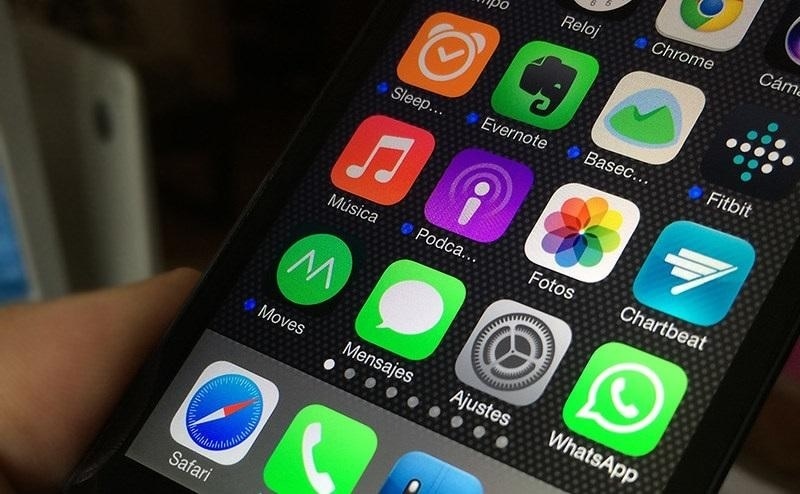
Apple has rolled out the iOS 14 beta 4 this week. The new build comes with a few tweaks while also adding some missing features such as the Apple TV widget and 3D Touch.
iOS 14 beta 4: What’s new?
The addition of the Apple TV widget may seem small, but to people who have been testing iOS 14 beta and always use their Apple TV, this should be a welcome change. This simply means beta testers can see how they want to use the widget for easy access.
It can be recalled that Apple is redesigning the iOS interface in major ways this year including the introduction of customizable widgets. Soon, people with iOS 14-run devices will be able to place a widget of their choice on any screen page.
One of the new features introduced for iPhones in recent years is the 3D Touch. It helps for easy access on iOS apps, for example, it enables users to open a specific conversation by simply firmly tapping on the Messages icon from the home screen. People who were used to having 3D Touch had to endure the earlier beta builds without it, luckily, that changes with iOS 14 beta 4.
The Exposure Notification API was recently introduced on the iOS 13, which was designed practically as a contact tracing technology amid the COVID-19 pandemic. It alerts the user when they were exposed to someone who had just tested positive for COVID-19 without revealing the patient’s name and other personal information.
iOS 14 beta 4: How to update or join the beta testing
Those who have already joined Apple’s beta testing program will have an easier time installing iOS 14 beta 4 because it can be through an over-the-air update. This works the same way as installing updates for fully released iOS builds.
Meanwhile, iPhone users who are just starting with iOS 14 beta 4 will have a few more steps to make. They can start by opening the beta program link on their iPhone’s Safari browser. New testers will be asked to sign up while returning users can sign in with their Apple ID account. Below the guide page is a button to click to enroll the iOS device to the beta testing, then press “Download profile.”
A series of pop-ups will appear where “iPhone” and “Allow” options need to be chosen. After following these steps, a software update should be available on the Settings app, proceed as if installing a new iOS update to get iOS 14 beta 4. It is highly recommended to backup files on the device before enrolling in the beta testing program.







