Nintendo Shares Slide After Earnings Miss Raises Switch 2 Margin Concerns
  Elon Musk’s Empire: SpaceX, Tesla, and xAI Merger Talks Spark Investor Debate
  Google Cloud and Liberty Global Forge Strategic AI Partnership to Transform European Telecom Services
  Instagram Outage Disrupts Thousands of U.S. Users
  SoftBank Shares Slide After Arm Earnings Miss Fuels Tech Stock Sell-Off
  Sam Altman Reaffirms OpenAI’s Long-Term Commitment to NVIDIA Amid Chip Report
  SpaceX Prioritizes Moon Mission Before Mars as Starship Development Accelerates
  Baidu Approves $5 Billion Share Buyback and Plans First-Ever Dividend in 2026
  SpaceX Reports $8 Billion Profit as IPO Plans and Starlink Growth Fuel Valuation Buzz
  SoftBank and Intel Partner to Develop Next-Generation Memory Chips for AI Data Centers
  Oracle Plans $45–$50 Billion Funding Push in 2026 to Expand Cloud and AI Infrastructure
  Global PC Makers Eye Chinese Memory Chip Suppliers Amid Ongoing Supply Crunch
  Sony Q3 Profit Jumps on Gaming and Image Sensors, Full-Year Outlook Raised
  Jensen Huang Urges Taiwan Suppliers to Boost AI Chip Production Amid Surging Demand
  Nvidia CEO Jensen Huang Says AI Investment Boom Is Just Beginning as NVDA Shares Surge
  Palantir Stock Jumps After Strong Q4 Earnings Beat and Upbeat 2026 Revenue Forecast


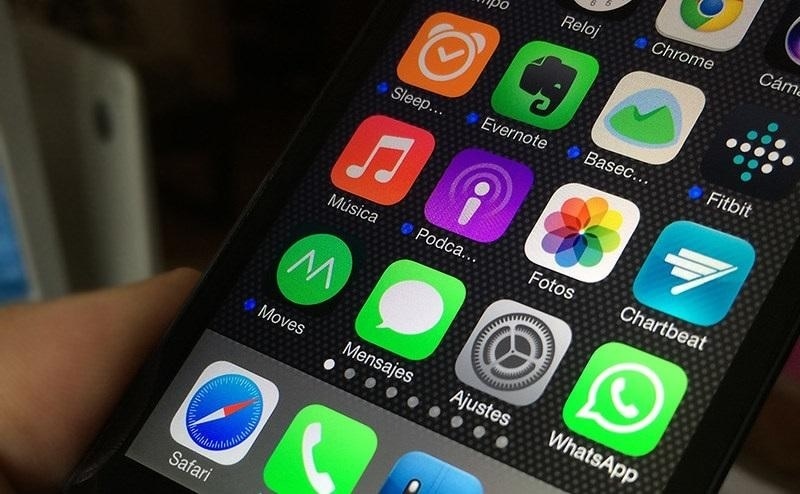
Apple has rolled out the iOS 14 beta 4 this week. The new build comes with a few tweaks while also adding some missing features such as the Apple TV widget and 3D Touch.
iOS 14 beta 4: What’s new?
The addition of the Apple TV widget may seem small, but to people who have been testing iOS 14 beta and always use their Apple TV, this should be a welcome change. This simply means beta testers can see how they want to use the widget for easy access.
It can be recalled that Apple is redesigning the iOS interface in major ways this year including the introduction of customizable widgets. Soon, people with iOS 14-run devices will be able to place a widget of their choice on any screen page.
One of the new features introduced for iPhones in recent years is the 3D Touch. It helps for easy access on iOS apps, for example, it enables users to open a specific conversation by simply firmly tapping on the Messages icon from the home screen. People who were used to having 3D Touch had to endure the earlier beta builds without it, luckily, that changes with iOS 14 beta 4.
The Exposure Notification API was recently introduced on the iOS 13, which was designed practically as a contact tracing technology amid the COVID-19 pandemic. It alerts the user when they were exposed to someone who had just tested positive for COVID-19 without revealing the patient’s name and other personal information.
iOS 14 beta 4: How to update or join the beta testing
Those who have already joined Apple’s beta testing program will have an easier time installing iOS 14 beta 4 because it can be through an over-the-air update. This works the same way as installing updates for fully released iOS builds.
Meanwhile, iPhone users who are just starting with iOS 14 beta 4 will have a few more steps to make. They can start by opening the beta program link on their iPhone’s Safari browser. New testers will be asked to sign up while returning users can sign in with their Apple ID account. Below the guide page is a button to click to enroll the iOS device to the beta testing, then press “Download profile.”
A series of pop-ups will appear where “iPhone” and “Allow” options need to be chosen. After following these steps, a software update should be available on the Settings app, proceed as if installing a new iOS update to get iOS 14 beta 4. It is highly recommended to backup files on the device before enrolling in the beta testing program.