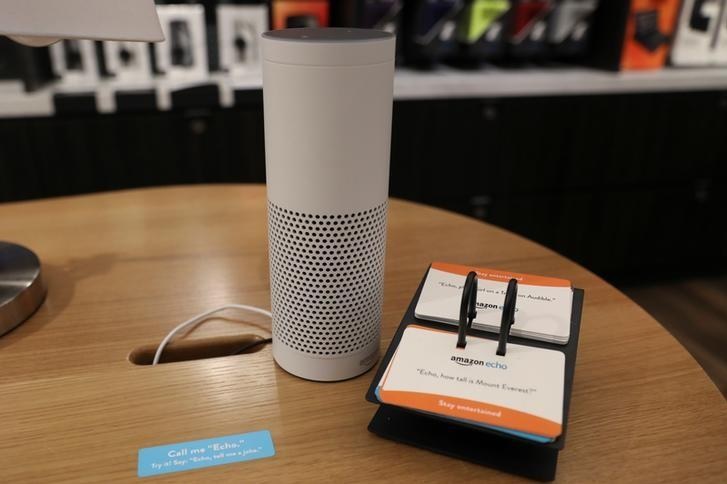
It is not new information that Alexa can record conversations of people with Amazon Echo speakers.
Despite Amazon’s assurance that Alexa collects data only when users wake up the digital assistant, many Echo owners might be uncomfortable with the thought of having their random conversations recorded by the device. Luckily, reviewing and deleting these recordings requires only a few simple steps.
On the Alexa smartphone app, tap the icon on the upper left side of the screen to access the Settings menu and open the History menu. You will be led to a page with all the recently recorded conversations and voice commands.
You can read the recorded phrases and select them for playback. You can also review these recordings and select which ones you want to delete individually.
To quickly delete all of Alexa’s recordings, you must open your Amazon account on a desktop. Then, click on the drop-down menu below your username. Select “Your Content and Devices” then click on the “Your Devices” tab.
Meanwhile, USA Today suggests that Alexa users be more keen on reviewing recordings that are labeled with “text not available.” According to the report, these are most likely audio files extracted from conversations that mistakenly woke up Alexa and proceeded to record everything it heard.
Last week, a woman from Portland reported that Alexa sent a previously recorded audio from her Echo device to one of her friends without her permission. Regarding this incident, Amazon explained that the Echo speaker was activated after hearing a word in the background interpreted by the device as“Alexa.”
“Then, the subsequent conversation was heard as a ‘send message’ request. At which point, Alexa said out loud ‘To whom?’ At which point, the background conversation was interpreted as a name in the customer's contact list. Alexa then asked out loud, ‘[contact name], right?’ Alexa then interpreted background conversation as ‘right’. As unlikely as this string of events is, we are evaluating options to make this case even less likely,” Amazon narrated.
At the moment, Echo speaker owners can choose from four wake words including “Alexa,” “Echo,” “Amazon,” and “Computer.” But this option is not available on the Amazon Tap.